



LIVE SERVER STATISTICS
Join Thousands of Active Warriors

HALL OF LEGENDS
The strongest warriors of AngelicMU
TOP PLAYERS
TOP GUILDS
NEXT EVENTS
GAME FEATURES
Discover our exclusive game features

Custom Events
Participate in unique server events with amazing rewards and exclusive items.
- Daily Events
- Weekly Tournaments
- Special Rewards

Advanced PvP System
Engage in epic battles with our enhanced PvP system and ranking system.
- Arena Battles
- Guild Wars
- Ranking System

Custom Items & Sets
Discover unique items and powerful sets exclusive to AngelicMU server.
- Exclusive Items
- Set Bonuses
- Upgrade System

Wings & Mounts
Customize your character with beautiful wings and powerful mounts.
- Multiple Wing Types
- Mount System
- Visual Effects

Boss System
Challenge powerful bosses and earn rare rewards and experience.
- World Bosses
- Raid Bosses
- Rare Drops

Market System
Trade items safely with our integrated market system.
- Secure Trading
- Item Search
- Price History
Download the Game
Begin Your Epic Journey in AngelicMU

MEGA NZ Download
Full game client with all data files included. Clean installation ready.

Google Drive Download
Alternative download source. Same content, different provider.
System Requirements
Ensure your system meets the minimum requirements for optimal gameplay
Memory
4 GB RAM
Graphics
Intel HD Graphics / GTX 750+
Storage
5 GB Free Space
Operating System
Windows 7 / 10 / 11 (64-bit)
Internet
Stable connection required
For best experience: Use SSD storage and dedicated graphics card
Installation Guide
Follow these simple steps to get started
Download the Client
Download the game client from one of the available sources above.
Extract the Files
Extract the downloaded ZIP file using WinRAR, 7-Zip, or Windows built-in extractor.
Run the Launcher
Run Launcher.exe as Administrator to start the game and begin your adventure.
Support & Help
We're here to help you get started
Antivirus Blocking
Add game folder to antivirus exclusions or temporarily disable it during installation.
Get HelpLogin Issues
Check your credentials, reset password if needed, or verify account status on website.
Get HelpInstallation Problems
Run launcher as administrator, check disk space, and ensure all files are extracted correctly.
Get HelpGame Crashes
Update graphics drivers, run in compatibility mode, or check system requirements match.
Get HelpNeed help? Join our Discord server or contact TheRoyal7657 directly.
ANGELIC MU GUIDES CENTER
Master Angelic MU with our expert guides
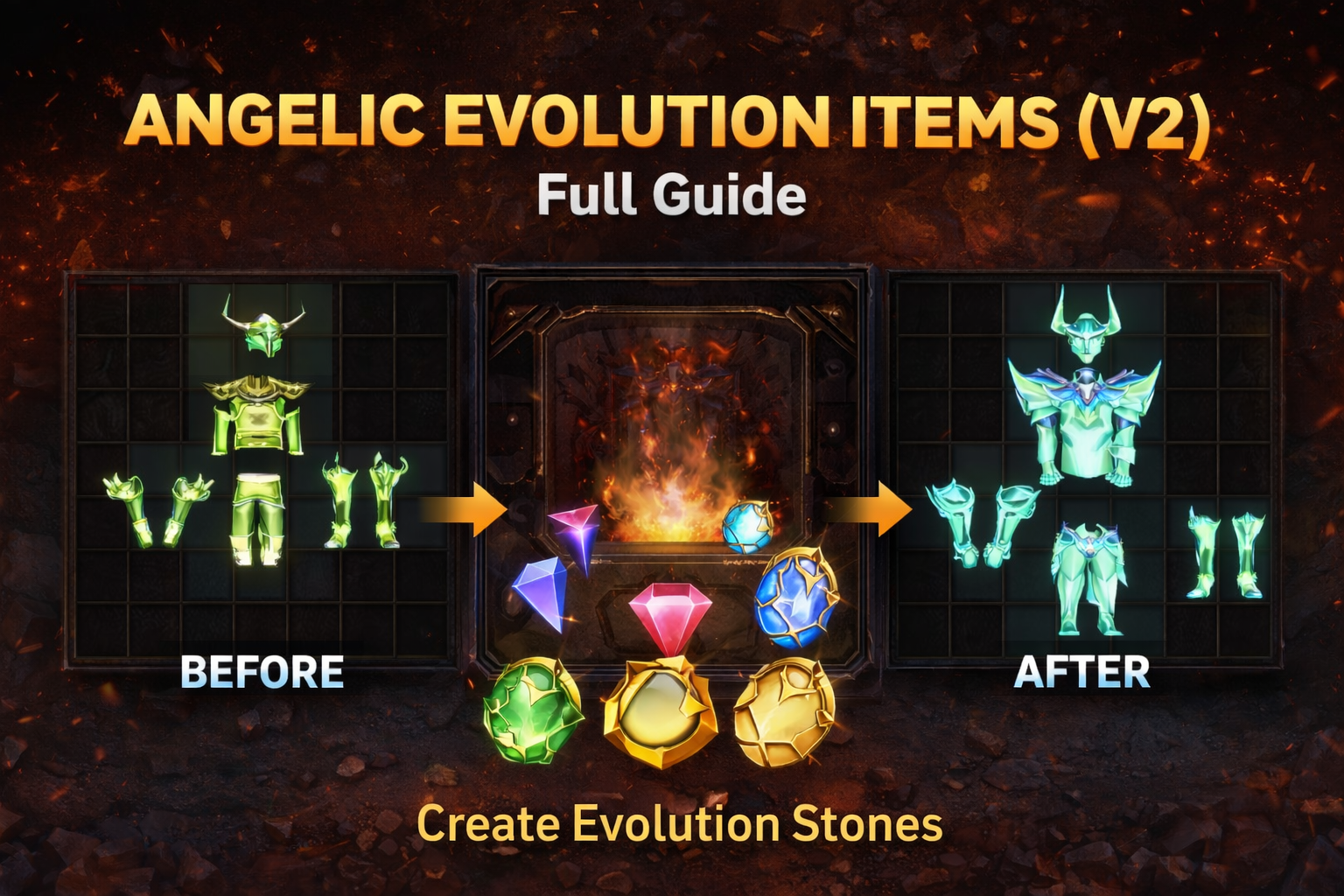
Items Evolution V2
Complete guide to item evolution system, upgrade paths, and optimization strategies.
Read GuideAdvanced Strategies
Master advanced gameplay techniques and optimization strategies.
View All Guides